




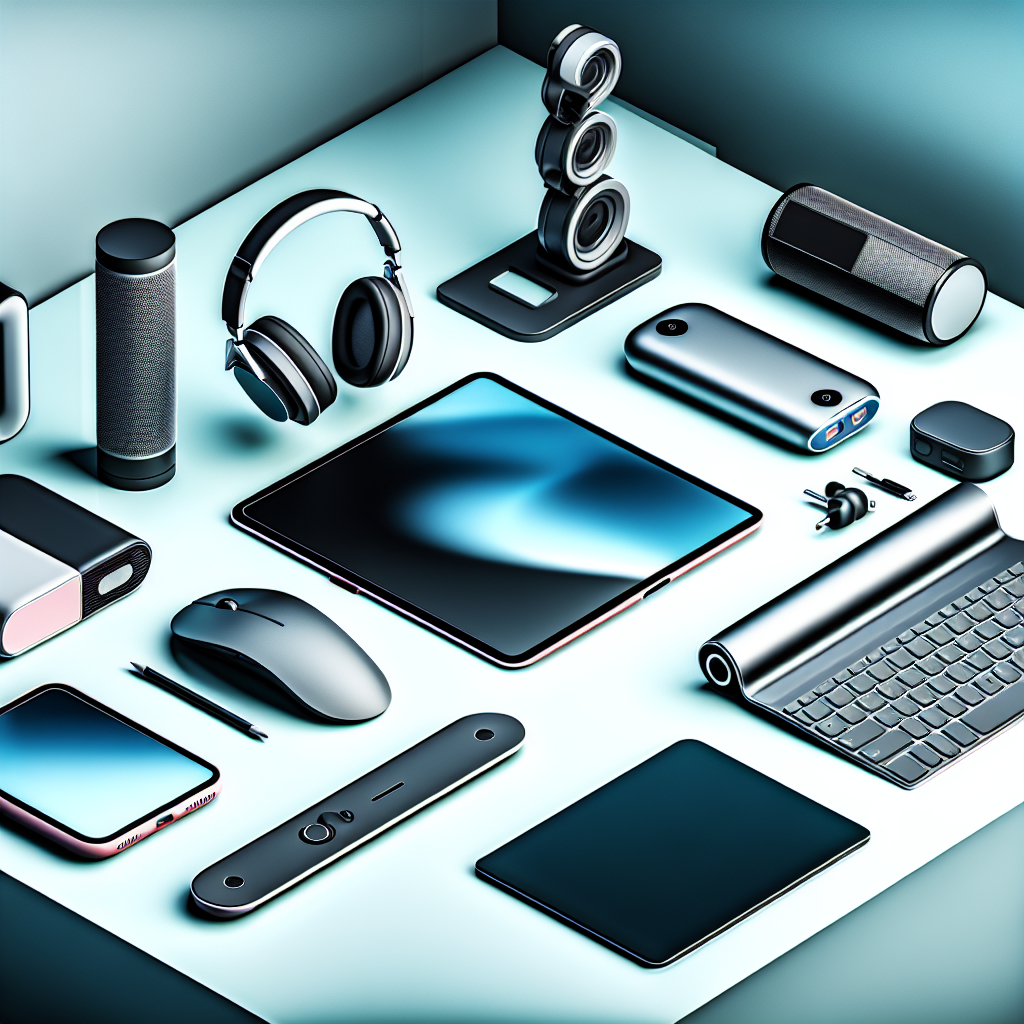
Setting Up Your Remote Workspace: Essential Tech to Go
Working remotely is now common. To do it well, you need the right tech. This guide helps you choose the best portable devices for your mobile office.
Laptop Essentials: Power and Portability
Your laptop is your main tool. Choose one that balances power and portability. What should you look for?
Screen Size and Weight
Think about screen size. A bigger screen is easier on the eyes, but a smaller one is easier to carry. Find a balance that works for you. Lighter laptops are better for travel.
Battery Life Matters
Long battery life is key. You don’t want to be stuck near an outlet all day. Aim for at least 8 hours of battery life.
Processing Power
Consider the processor. If you do demanding tasks like video editing, you need a powerful processor. If you mainly write emails and documents, a less powerful processor will do.
Keyboard Comfort
Try out the keyboard. Make sure it’s comfortable to type on for long periods.
Tablets: Lightweight Productivity on the Go
Tablets are great for light work and entertainment. They are very portable and can be used with a keyboard and stylus.
Choosing the Right Tablet
Think about what you’ll use the tablet for. If you need to write a lot, get one with a good keyboard accessory. If you draw, a stylus is essential.
Tablet Size and Weight
Tablets come in different sizes. Smaller tablets are easier to carry, but larger tablets are better for viewing documents and videos.
Tablet Operating System
Tablets run on different operating systems. The most common are iOS (iPad) and Android. Choose one that you’re familiar with.
Headphones: Focus and Privacy
Good headphones are essential for remote work. They help you focus and block out distractions.
Noise-Canceling Headphones
Noise-canceling headphones are great for noisy environments. They block out background noise so you can focus on your work.
Microphone Quality
If you make a lot of calls, make sure your headphones have a good microphone. People need to be able to hear you clearly.
Comfortable Fit
Choose headphones that are comfortable to wear for long periods. Over-ear headphones are often more comfortable than earbuds.
Portable Monitors: Extend Your Workspace
A portable monitor gives you extra screen space when you’re on the go. This can boost your productivity.
Screen Size and Resolution
Consider the screen size and resolution. A larger screen is easier to see, and a higher resolution is sharper.
Connectivity
Make sure the monitor can connect to your laptop or tablet. Most portable monitors use USB-C.
Weight and Portability
Look for a lightweight monitor that’s easy to carry. Some portable monitors are very thin and light.
Power Banks: Staying Charged on the Go
A power bank is a portable charger for your devices. It’s essential for staying charged when you’re away from an outlet.
Capacity
Consider the capacity of the power bank. A higher capacity power bank can charge your devices more times.
Charging Speed
Look for a power bank that supports fast charging. This will charge your devices more quickly.
Number of Ports
Choose a power bank with enough ports for all your devices.
Other Essential Accessories
Don’t forget these other important accessories.
- Portable Keyboard: Makes typing on tablets much easier.
- Ergonomic Mouse: Prevents wrist strain.
- Laptop Stand: Improves posture.
- USB Hub: Adds more ports to your laptop.
- Webcam: For clear video calls.
Creating a Productive Remote Work Setup
Choosing the right portable tech can make a big difference in your remote work productivity. Think about your needs and choose devices that fit your lifestyle.
Consider factors like portability, battery life, and performance. Don’t be afraid to invest in quality tech that will make your work easier and more enjoyable.
With the right tools, you can work effectively from anywhere. For more cool gadgets that can enhance your work from home or on the go experiences, take a look at Mavigadget’s gadgets for working from home collection!
“`


