




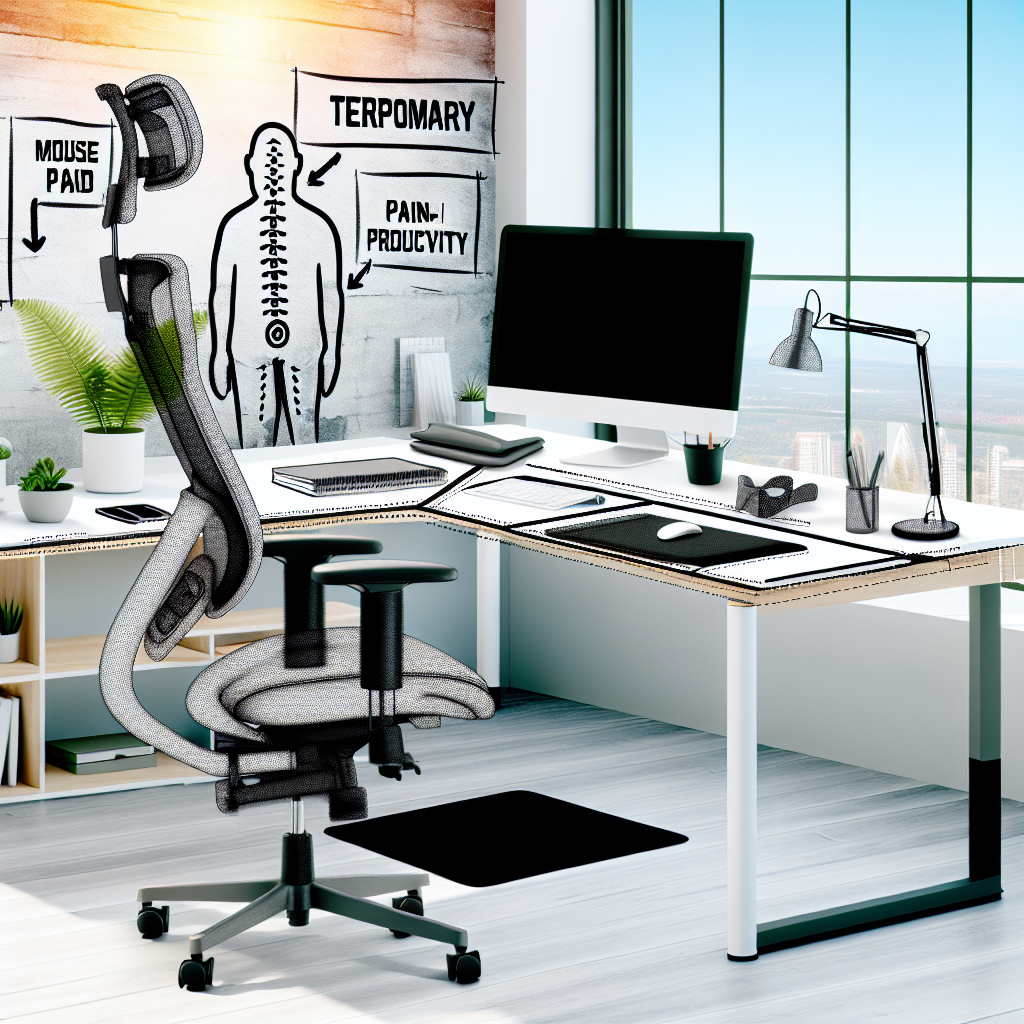
Creating a Comfortable Temporary Workspace
Working from a temporary location, like a hotel or a spare room, can be tough on your body. Without the right setup, you could experience aches, pains, and reduced productivity. The good news is, creating an ergonomic workspace doesn’t have to be complicated or expensive. This guide will show you simple ways to set up a healthy and comfortable area, wherever you are.
Why Ergonomics Matter
Ergonomics is all about designing your workspace to fit you. A good ergonomic setup reduces strain on your body, preventing injuries and discomfort. This is especially important in temporary workspaces where you might not have your usual equipment. Ignoring ergonomics can lead to problems like:
- Back pain
- Neck stiffness
- Wrist pain (carpal tunnel syndrome)
- Eye strain
- Headaches
Essential Elements of an Ergonomic Temporary Workspace
Chair and Posture
Your chair is crucial. If you’re stuck with a less-than-ideal chair, here’s what you can do:
- Add Support: Use a rolled-up towel or a small pillow to support your lower back.
- Adjust Height: Aim for a chair height that allows your feet to rest flat on the floor. If the chair is too high, use a footrest (a stack of books works in a pinch!).
- Sit Upright: Avoid slouching. Maintain a good posture with your shoulders relaxed and your back straight.
Monitor Placement
Where you place your screen matters. Follow these tips:
- Eye Level: The top of your monitor should be at or slightly below eye level. This prevents neck strain.
- Distance: Position the monitor an arm’s length away.
- Centered: Place the monitor directly in front of you to avoid twisting your neck.
Keyboard and Mouse
Your keyboard and mouse should be within easy reach. Here’s how to optimize their placement:
- Close Proximity: Keep your keyboard and mouse close to your body to avoid reaching.
- Wrist Support: Use a wrist rest to keep your wrists straight and prevent strain.
- Neutral Position: Your wrists should be in a neutral, straight position when typing and using the mouse.
Lighting and Glare
Proper lighting can reduce eye strain and headaches:
- Reduce Glare: Position your workspace to avoid glare from windows or overhead lights. Use blinds or curtains to control sunlight.
- Adequate Lighting: Ensure you have enough light to see your work clearly. Use a desk lamp if needed.
Breaks and Movement
Sitting for long periods is bad for your health. Here’s how to combat it:
- Take Regular Breaks: Stand up and move around every 30 minutes.
- Stretch: Perform simple stretches to relieve muscle tension. Focus on your neck, shoulders, back, and wrists.
- Eye Exercises: Look away from your screen and focus on distant objects to reduce eye strain.
Quick Fixes for Common Ergonomic Issues
Neck Pain
Problem: Monitor too low.
Solution: Raise your monitor using books or a sturdy box.
Back Pain
Problem: Lack of lumbar support.
Solution: Use a rolled-up towel or pillow to support your lower back.
Wrist Pain
Problem: Incorrect wrist position.
Solution: Use a wrist rest and ensure your keyboard and mouse are close to your body.
Eye Strain
Problem: Glare or insufficient lighting.
Solution: Adjust blinds, use a desk lamp, and take frequent breaks to look away from the screen.
Frequently Asked Questions
How can I improve ergonomics on a laptop?
Laptops often force you to hunch over. Use an external monitor, keyboard, and mouse to maintain good posture. Place the laptop on a stand to bring the screen to eye level.
What are some simple stretches I can do at my desk?
Try neck rolls, shoulder shrugs, wrist rotations, and back stretches. These can help relieve tension and improve circulation.
How often should I take breaks?
Aim for a short break (1-2 minutes) every 20-30 minutes and a longer break (5-10 minutes) every hour.
Can I use standing desks in temporary workspaces?
Absolutely! If possible, bring a portable standing desk converter or create a makeshift standing desk using a sturdy surface like a high table or counter.
Creating a Productive and Healthy Workspace, Anywhere
Setting up an ergonomic temporary workspace is essential for your health and productivity. By following these simple tips, you can create a comfortable and supportive environment, no matter where you are working. Remember to prioritize good posture, proper monitor placement, and regular breaks. For gadgets that can help boost productivity in your workspace, consider exploring the collections available at Mavigadget.
“`


