




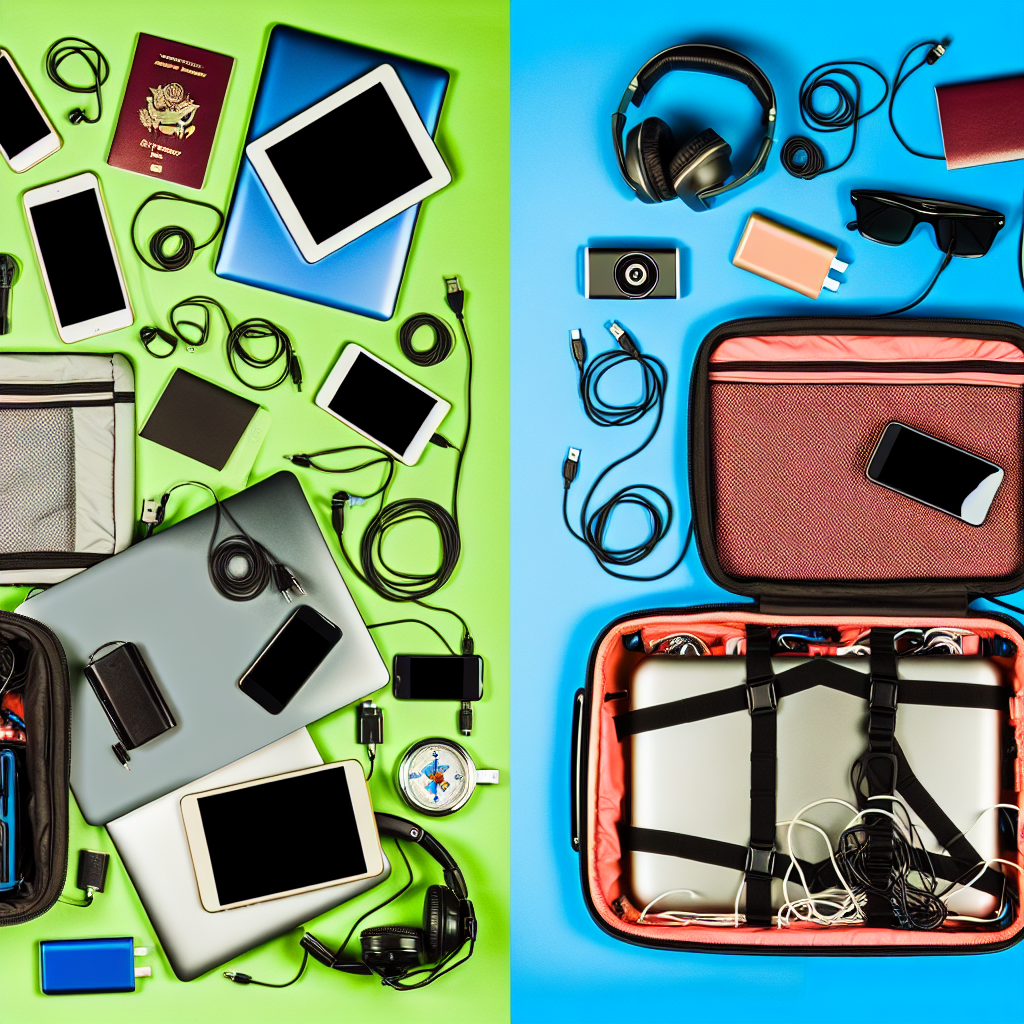
Tech Troubles on the Road? Simple Fixes for Travelers
Traveling is exciting, but tech problems can quickly turn a dream vacation into a frustrating ordeal. From dead batteries to spotty Wi-Fi, tech issues always seem to pop up at the worst times. This guide provides easy solutions to common technical problems you might face while traveling, helping you stay connected and stress-free.
Wi-Fi Woes: Getting Connected
Wi-Fi is essential for staying connected, but finding a reliable connection can be tricky. Here’s how to tackle common Wi-Fi problems:
- Check the Basics: Make sure Wi-Fi is turned on your device. It sounds simple, but it’s easily overlooked.
- Forget and Reconnect: If you’re having trouble with a network you’ve used before, try forgetting the network and then reconnecting. You’ll need the password again, so have it handy.
- Move Around: Wi-Fi signals can be weaker in some areas. Try moving closer to the router or to an open area.
- Restart Your Device: A simple restart can often solve connection issues.
- Public Wi-Fi Safety: Be cautious when using public Wi-Fi. Avoid entering sensitive information like passwords or credit card details. Consider using a VPN (Virtual Private Network) to encrypt your data.
Battery Blues: Keeping Your Devices Powered Up
Running out of battery can be a major problem, especially when you rely on your phone for maps, tickets, and communication. Here’s how to maximize your battery life:
- Carry a Power Bank: A portable charger is a lifesaver. Make sure it’s fully charged before you leave.
- Adjust Screen Brightness: Lowering the screen brightness can significantly extend battery life.
- Close Unused Apps: Apps running in the background can drain your battery. Close any apps you’re not actively using.
- Enable Battery Saving Mode: Most smartphones have a battery-saving mode that reduces performance to conserve power.
- Turn Off Unnecessary Features: Disable Bluetooth, Wi-Fi, and location services when you don’t need them.
Device Malfunctions: Troubleshooting Common Issues
Sometimes, things just go wrong. Here are some troubleshooting steps for common device malfunctions:
- Restart Your Device: Again, the first step for almost any problem is to restart your device.
- Check for Updates: Make sure your device’s operating system and apps are up to date. Updates often include bug fixes that can resolve issues.
- Free Up Storage Space: A full storage can cause performance problems. Delete unnecessary files and apps.
- Check Cables and Connections: Make sure all cables are properly connected and not damaged.
- Factory Reset (Last Resort): If all else fails, you can try a factory reset. This will erase all data on your device, so back up your important files first. Consult your device’s manual for instructions.
Data Roaming: Avoiding Unexpected Charges
Using your phone’s data abroad can result in huge roaming charges. Here’s how to avoid them:
- Disable Data Roaming: Turn off data roaming in your phone’s settings.
- Purchase an International Data Plan: Contact your mobile carrier to inquire about international data plans.
- Use a Local SIM Card: Purchasing a local SIM card can be a more cost-effective option.
- Stick to Wi-Fi: Rely on Wi-Fi whenever possible to avoid using cellular data.
Adapters and Converters: Powering Up Globally
Different countries use different electrical outlets. Here’s what you need to know:
- Identify the Outlet Type: Before you go, research the type of outlet used in your destination.
- Use an Adapter: An adapter allows you to plug your device into a different type of outlet.
- Check the Voltage: Some countries use different voltages than your home country. A converter is needed to change the voltage to prevent damage to your devices. Many modern devices, like laptops and phones, are dual-voltage and only require an adapter. Check the label on your device.
Protecting Your Devices: Security Tips
Traveling with electronic devices makes them vulnerable to theft or damage. Consider these tips:
- Keep devices out of sight: Don’t leave your phone or laptop unattended in public spaces.
- Use strong passwords: Protect your devices with strong, unique passwords.
- Back up your data: Regularly back up your important files in case of theft or damage. Cloud storage services are a good option.
- Consider insurance: Travel insurance may cover the loss or theft of electronic devices.
Before You Go: Preparation is Key
The best way to deal with tech issues while traveling is to prevent them from happening in the first place. Before you leave, take the following steps:
- Charge All Devices: Make sure all your devices are fully charged before you start your trip.
- Download Offline Content: Download maps, books, and movies for offline use.
- Pack Essential Accessories: Don’t forget chargers, adapters, and power banks.
- Know Basic Troubleshooting Steps: Familiarize yourself with the troubleshooting steps outlined in this guide.
- Share your itinerary with someone: Let someone know your travel plans in case of emergencies.
By taking these precautions, you can minimize the chances of encountering tech problems and enjoy a smoother, more enjoyable travel experience. Remember to stay calm, be patient, and use these tips to overcome any technical challenges that may arise.
For more travel gadgets and accessories that can help you stay connected and powered up on the go, be sure to check out Mavigadget’s collection of travel gadgets.
“`


