




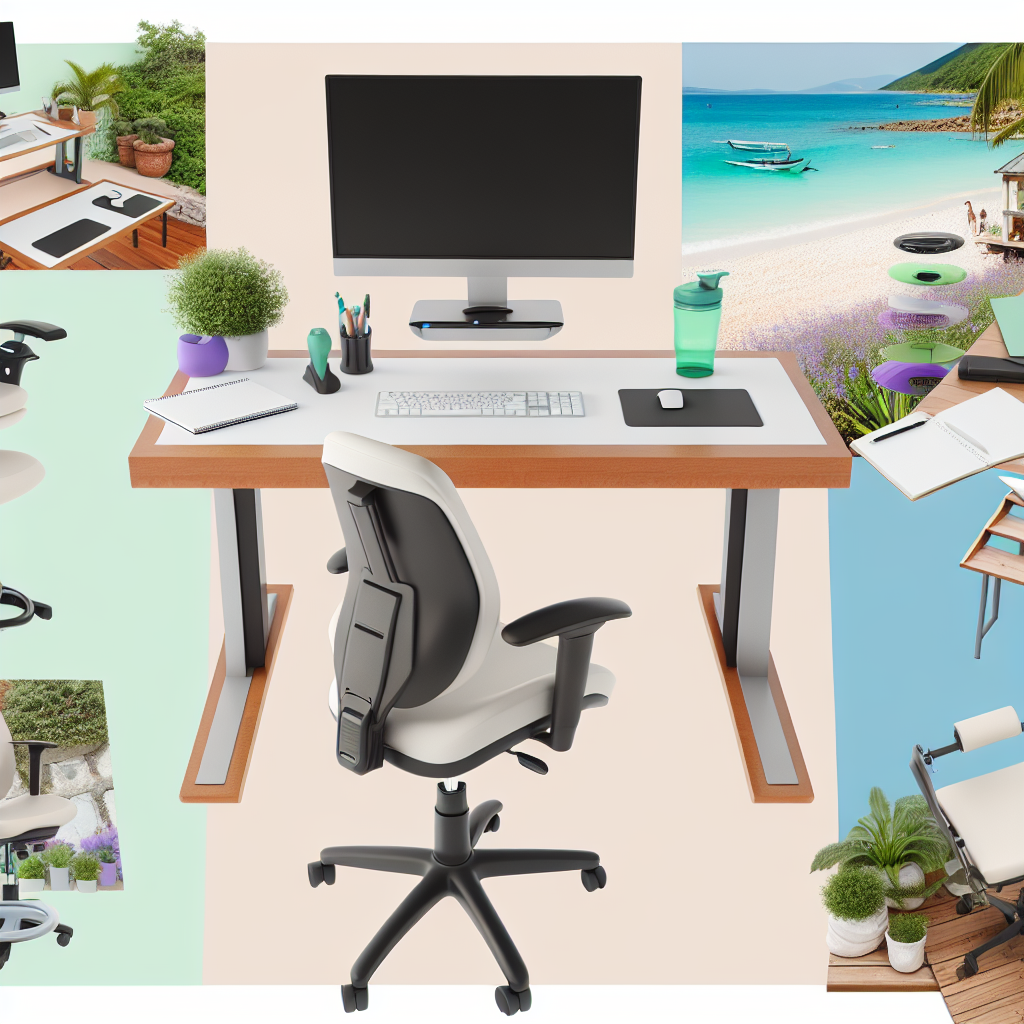
Working Comfortably, Anywhere
Want to work from your couch? Or maybe a park? You can! A portable ergonomic workstation lets you work comfortably wherever you are. It’s all about setting things up so your body stays happy, even when you’re not in a regular office.
Why Bother with Ergonomics?
Ergonomics is about designing your workspace to fit you. It’s about preventing pain and injury from bad posture or repetitive movements. Good ergonomics means you’re less likely to get backaches, neck strain, or other problems.
The Essentials: What You’ll Need
Building your portable workstation starts with the basics. Here’s what you should consider:
- Your Laptop: The heart of your setup! Make sure it’s functioning and charged!
- A Carrying Bag: Choose one that fits everything and is easy to carry. Backpacks often work best.
- Accessories (More on these below!): The real stars!
Must-Have Accessories for a Portable Ergonomic Setup
These are the things that make your portable workstation ergonomic. They help you avoid slouching and straining.
1. A Laptop Stand
Laptops are great, but their screens are often too low. A laptop stand raises your screen to eye level. This helps prevent neck strain.
- Types: There are many. Choose one that folds up easily and is adjustable.
- Height: Experiment to find the height that works best for you.
2. An External Keyboard and Mouse
Typing on a laptop keyboard for hours can be uncomfortable. An external keyboard lets you position your hands and wrists properly. A separate mouse prevents strain from using the touchpad.
- Keyboard Choice: Consider an ergonomic keyboard (split or curved) for extra comfort.
- Mouse Choice: Similar to keyboards, consider an ergonomic mouse.
3. A Portable Monitor (Optional)
If you need more screen space, a portable monitor is fantastic. It’s like having a second screen wherever you go. This can boost productivity.
- Size: Choose a size that fits your needs and your workspace.
- Connection: Make sure it connects easily to your laptop (usually via USB-C or HDMI).
4. A Comfortable Chair (or at least a good cushion)
If you’ll be sitting, your chair matters. If possible, use a chair that offers good support. If you’re working in a space without a great chair, bring a cushion to support your lower back.
- Back Support: Look for good lumbar support (that curve in your lower back).
- Adjustability: Arms and height are great features.
5. A Standing Desk Converter (Sometimes)
If you want to stand while you work, a standing desk converter can sit on top of a table or desk. This allows you to adjust your workstation’s height.
- Adjustability: Make sure it adjusts easily to different heights.
- Stability: Choose one that is stable when fully extended.
6. Accessories that Support Healthy Posture
Keep these in mind. It’s important to prioritize healthy habits while working!
- Wrist Rests: These can help support your wrists while typing.
- Foot Rest: If your chair is too high, a footrest can help.
- Document Holder: If you frequently refer to paper documents, a document holder can save you from neck strain.
Setting Up Your Perfect Portable Ergonomic Workstation
Once you have your equipment, setting up is key. Here’s how to do it right:
1. Find Your Space
Look for a spot with good lighting and minimal distractions. A table or desk is best, but a sturdy surface will do. Consider the angle of the sun, and any sounds that might annoy you.
2. Arrange Your Screen
Your screen should be at eye level or slightly below. This prevents neck strain. The top of the screen should be about level with your eyes.
3. Position Your Keyboard and Mouse
Place your keyboard and mouse where your arms can comfortably reach them. Your elbows should be at about a 90-degree angle.
4. Adjust Your Chair
Your chair should support your back. Your feet should be flat on the floor or a footrest. Your knees should be at about a 90-degree angle.
5. Take Breaks
Get up and move around regularly. Even short breaks can help prevent strain. Set a timer to remind you to move around every 20-30 minutes.
Common Problems and Solutions
Even with a great setup, problems can pop up. Here are a few:
- Neck Pain: Adjust your screen height. Take breaks to stretch.
- Back Pain: Make sure your chair supports your back properly. Adjust your posture.
- Wrist Pain: Use an ergonomic keyboard and mouse. Take breaks.
Taking it Further: Standing Desk Considerations
Using a standing desk is an option. It can help reduce back pain and boost energy. If you choose to stand, be sure to alternate between sitting and standing.
- Adjustability: Make sure your standing desk or converter is adjustable.
- Comfort: Wear comfortable shoes and use an anti-fatigue mat.
- Gradual Changes: Don’t stand all day right away. Build up gradually.
Maintaining Your Portable Ergonomic Workstation
Once you have it set up, maintenance is key. Protect your equipment, and make sure it is in good working order.
- Storage: When you’re done working, pack up your equipment carefully.
- Cleaning: Wipe down your keyboard and mouse regularly.
- Check-ups: Make sure everything still works and is in good condition.
Benefits of a Portable Ergonomic Workstation
With the right setup, you can enjoy a number of benefits, including:
- Increased Comfort: No more aches and pains!
- Improved Productivity: Feeling better means working better.
- Better Health: Good ergonomics helps prevent long-term problems.
- Flexibility: Work where you want!
Finding the Right Gear
Choosing the right equipment is crucial. It doesn’t have to be expensive. Focus on the essentials first. Then, you can upgrade as needed. Don’t try and buy everything all at once!
Creating a comfortable and healthy mobile workspace is easier than you might think! By following these steps, you can transform any location into a productive and ergonomic work environment. For even more inspiration and a curated selection of products to build your perfect portable setup, check out the amazing collection of ergonomic solutions at Mavigadget. You’ll find everything you need to work comfortably and efficiently, wherever your adventures take you!
“`


