




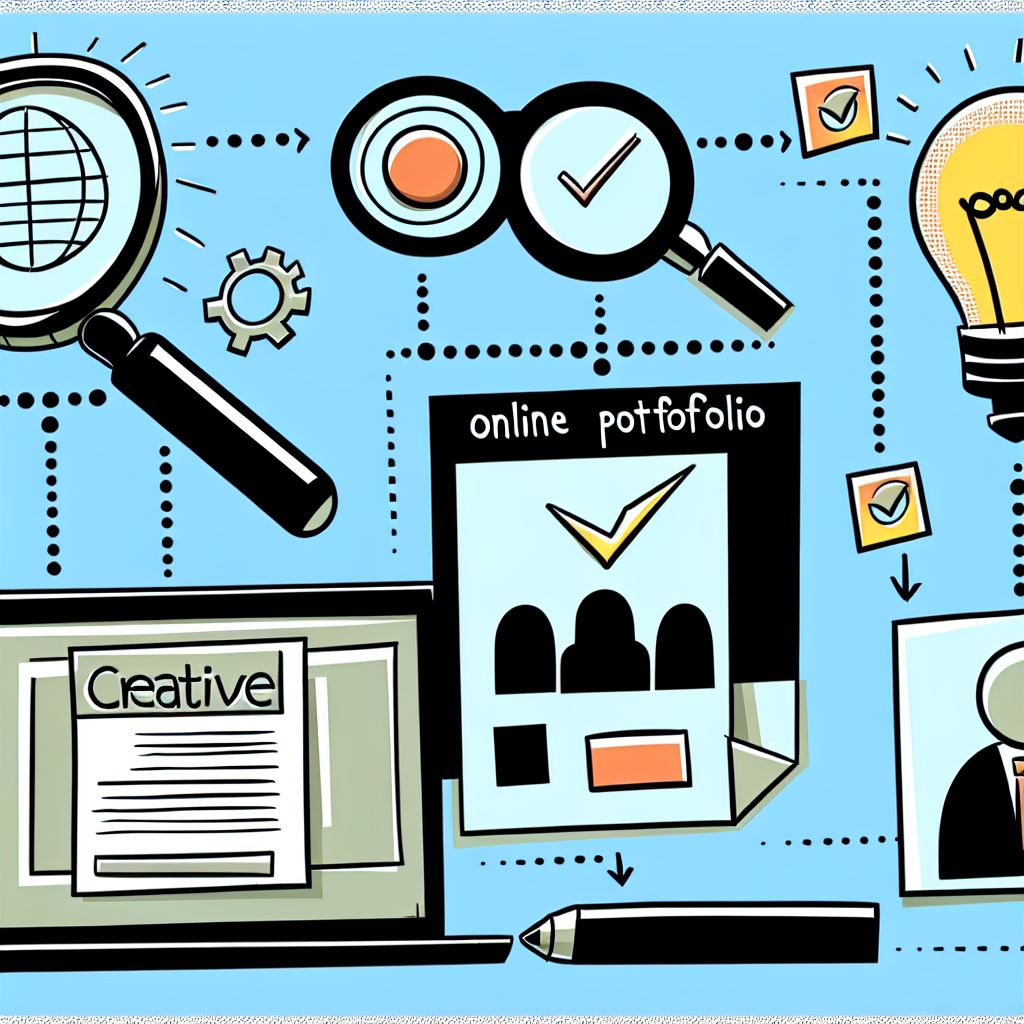
Build a Portfolio That Gets Noticed
Want to show off your amazing skills and land that dream job? An online portfolio is your secret weapon. It’s like a digital resume, but way more exciting. This guide will walk you through creating a portfolio that shines and gets you noticed.
Why Do You Need an Online Portfolio?
Think of your portfolio as your online showcase. It lets you:
- Show, Don’t Just Tell: Employers and clients can see your skills in action.
- Stand Out: A great portfolio helps you rise above the competition.
- Control Your Story: You get to present yourself the way you want to be seen.
- Be Accessible: Your work is available 24/7 to anyone, anywhere.
Planning Your Portfolio: What to Include
Know Your Audience
Before you start building, think about who you’re trying to impress. Are you targeting potential employers? Freelance clients? Tailor your portfolio to their specific needs and interests. Research the types of projects they value. What skills are they looking for? Put those front and center.
Showcase Your Best Work
Quality over quantity! Don’t include every single project you’ve ever done. Focus on your strongest pieces – the ones that truly demonstrate your skills and creativity. Choose projects that align with the type of work you want to do in the future. A few amazing projects are better than many mediocre ones.
Include Different Project Types
Variety is the spice of life, and it’s also a good idea for your portfolio. Show off your range of skills by including different types of projects. This could include:
- Case Studies: Explain the problem you solved, your process, and the results.
- Personal Projects: Show your passion and creativity outside of client work.
- Client Projects: Demonstrate your ability to deliver results for others.
Tell the Story Behind Your Work
Don’t just show your projects; tell the story behind them. For each project, include:
- A brief description: What was the project about?
- Your role: What did you specifically do?
- The challenges you faced: How did you overcome them?
- The results: What impact did your work have?
Building Your Portfolio: Choosing a Platform
Portfolio Websites
Several platforms are specifically designed for creating online portfolios. Some popular options include:
- WordPress: Highly customizable, but requires more technical knowledge.
- Behance: Great for showcasing visual work like graphic design and photography.
- Dribbble: Another good option for designers, with a focus on showcasing small snippets of work.
- Portfoliobox: Easy to use, with templates specifically designed for portfolios.
- Adobe Portfolio: Simple and integrated with Adobe Creative Cloud.
Simple Website Builders
If you want more control over your design, you can use a general website builder like:
- Squarespace: Known for its beautiful templates and ease of use.
- Wix: Offers a wide range of features and customization options.
Considerations When Choosing a Platform
Think about these factors when selecting a platform:
- Ease of Use: How comfortable are you with website design?
- Customization Options: Can you create a unique look and feel?
- Pricing: What’s your budget?
- Features: Does the platform offer the features you need (e.g., blog, contact form)?
Designing Your Portfolio: Making a Great Impression
Keep it Simple and Clean
Less is more! A clean, uncluttered design will help your work stand out. Use plenty of white space and avoid distracting elements. Focus on showcasing your work, not your design skills (unless that’s what you’re selling!).
Make it Easy to Navigate
Your portfolio should be easy to navigate. Use a clear and consistent menu structure. Make sure visitors can easily find your work, your about page, and your contact information.
Use High-Quality Images
Your work deserves to be presented in the best possible light. Use high-resolution images and videos. Make sure your images are properly optimized for the web so they load quickly. No blurry or pixelated images!
Write a Compelling “About Me” Section
Your “About Me” page is your chance to connect with potential clients or employers. Tell your story, highlight your skills, and explain what makes you unique. Use a friendly and conversational tone. Include a professional headshot.
Include a Clear Call to Action
What do you want visitors to do after viewing your portfolio? Make it clear! Include a call to action on every page, such as “Contact Me,” “Download My Resume,” or “View More Projects.”
Optimizing Your Portfolio for Search Engines (SEO)
Use Relevant Keywords
Think about what keywords potential clients or employers might use to find someone with your skills. Include those keywords in your portfolio’s title, descriptions, and image alt text.
Make Your Portfolio Mobile-Friendly
Most people will view your portfolio on their phones or tablets. Make sure your portfolio is responsive and looks great on all devices.
Get a Custom Domain Name
A custom domain name (e.g., yourname.com) will make your portfolio look more professional and easier to remember. You can purchase a domain name from a registrar like GoDaddy or Namecheap.
Promoting Your Portfolio: Getting the Word Out
Share it on Social Media
Share your portfolio on LinkedIn, Twitter, and other social media platforms. Join relevant groups and communities and share your work there.
Include it in Your Email Signature
Add a link to your portfolio in your email signature. This is an easy way to promote your work to everyone you email.
Network with Others
Attend industry events and connect with other professionals. Share your portfolio with them and ask for feedback.
Keep Your Portfolio Updated
Your portfolio is a living document. Regularly update it with your latest work and skills. Remove any outdated or irrelevant projects. Make sure all your links are working correctly.
Final Thoughts
Creating an online portfolio doesn’t have to be complicated. By following these steps, you can build a portfolio that showcases your skills, attracts attention, and helps you land your dream job. Remember to focus on quality, simplicity, and relevance. For cool tech gadgets and inspiration to enhance your skills and work, be sure to check out Mavigadget’s collection of gadgets for work.
“`


