




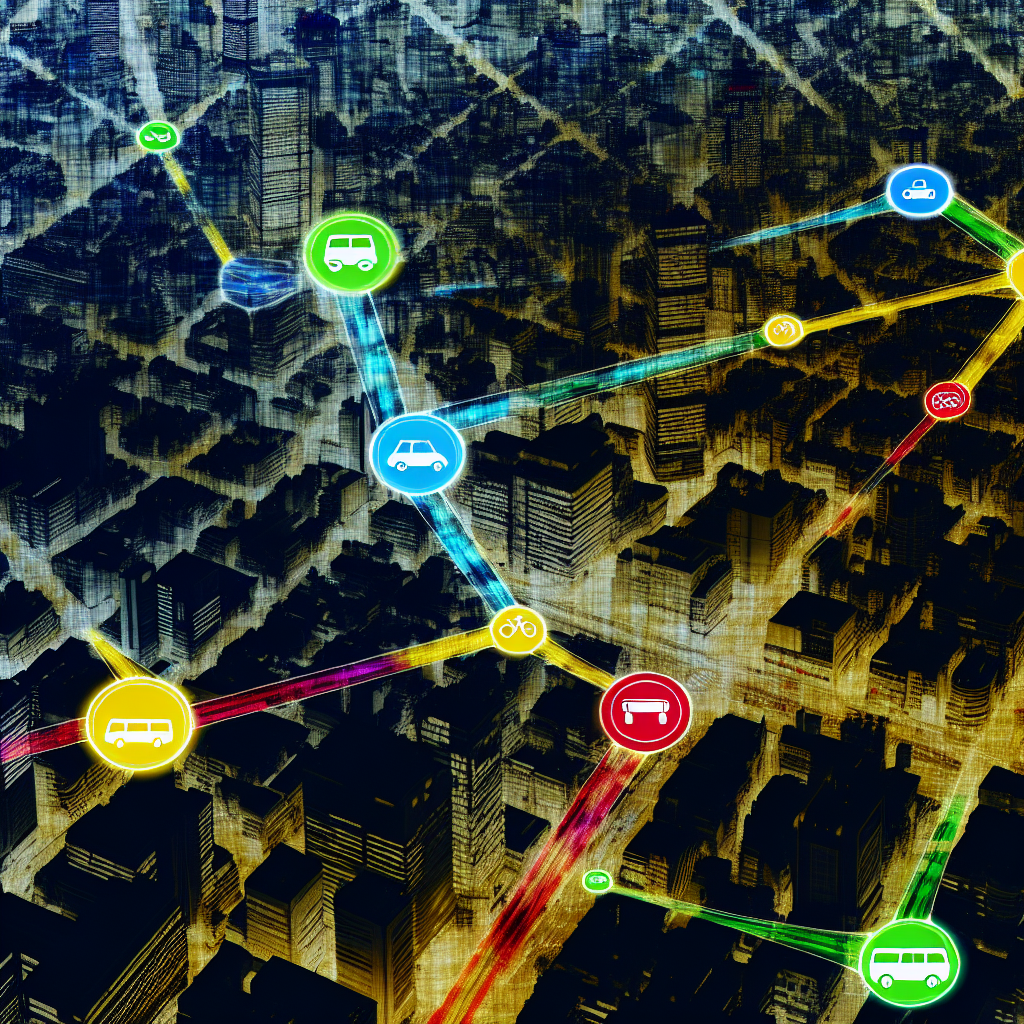
Unlock Your City: A Guide to Using Local Transportation Apps
Getting around a new city, or even your own, can be tough. Luckily, there are amazing transportation apps that can help. These apps put all the information you need right at your fingertips, making travel easier than ever.
Why Use Transportation Apps?
Think about it: no more waiting aimlessly at bus stops or guessing which train to take. Transportation apps offer many benefits:
- Real-time Updates: Know exactly when your bus or train will arrive.
- Easy Route Planning: Find the best way to get from point A to point B.
- Fare Information: See how much your trip will cost before you even start.
- Reduced Stress: Travel with confidence, knowing you have all the information you need.
Choosing the Right App
Many transportation apps are out there, so how do you pick the right one? Here are a few things to consider:
- Coverage: Does the app cover the areas you’ll be traveling in? Some apps focus on specific cities or regions.
- Features: Does it offer real-time tracking, route planning, fare estimates, and offline maps?
- User Reviews: What are other people saying about the app? Check the app store for reviews.
- Ease of Use: Is the app easy to navigate and understand? A simple interface is key.
Popular Types of Transportation Apps
Different apps specialize in different modes of transportation. Let’s look at some common types:
Public Transportation Apps
These apps focus on buses, trains, subways, and trams. They often provide schedules, real-time tracking, and route planning specifically for public transit systems.
Ride-Sharing Apps
Companies like Uber and Lyft connect you with drivers who can take you where you need to go. These apps are great for quick trips or when public transportation isn’t convenient.
Bike-Sharing Apps
Many cities have bike-sharing programs. These apps help you find available bikes, unlock them, and pay for your ride.
Navigation Apps with Transit Options
Apps like Google Maps and Apple Maps now integrate public transportation information, allowing you to plan routes that combine walking, driving, and public transit.
Getting Started with a Transportation App
Using a transportation app is usually straightforward. Here’s a general guide:
- Download the App: Find the app in your app store (Google Play for Android or App Store for iOS) and download it.
- Create an Account (Optional): Some apps require an account, while others let you use them without signing up.
- Enter Your Destination: Type in where you want to go.
- Choose Your Route: The app will show you different route options, including estimated travel time and cost.
- Follow the Directions: The app will provide turn-by-turn directions, often with real-time updates.
Tips for Smooth Navigation
Here are some tips to make your travels even smoother:
- Download Offline Maps: If you’re traveling in an area with limited data coverage, download offline maps ahead of time.
- Check for Service Alerts: Many apps provide alerts about delays, closures, or other service disruptions.
- Familiarize Yourself with the Interface: Take some time to explore the app’s features before you need to use it.
- Keep Your Phone Charged: Running out of battery can be a major inconvenience, so bring a portable charger.
- Double-Check Information: While apps are generally accurate, it’s always a good idea to double-check information, especially for critical trips.
Example Scenarios
Let’s look at a couple of scenarios to see how these apps can help:
Scenario 1: Visiting a New City
You’re visiting a new city for the first time. Download a public transportation app that covers the city’s transit system. Use the app to find the best way to get from the airport to your hotel. The app will show you which bus or train to take, where to transfer, and how long the trip will take. No more getting lost!
Scenario 2: Commuting to Work
You commute to work every day using public transportation. Use a transportation app to check for delays or service disruptions before you leave home. This way, you can adjust your route or leave earlier if necessary.
Addressing Common Concerns
Some people have concerns about using transportation apps. Let’s address a few:
- Data Privacy: Be aware of the data that the app collects and how it’s used. Read the app’s privacy policy.
- Battery Drain: Running GPS and real-time tracking can drain your battery. Consider bringing a portable charger.
- Accuracy: While apps are generally accurate, they’re not perfect. Always double-check information and be prepared for unexpected delays.
Beyond the Basics: Advanced Features
Many transportation apps offer advanced features to enhance your travel experience:
- Multimodal Trip Planning: Combine different modes of transportation, such as walking, biking, and public transit, into a single route.
- Integrated Payment: Pay for your fares directly through the app.
- Accessibility Options: Find routes and transportation options that are accessible to people with disabilities.
- Crowdsourced Information: See real-time updates and information from other users.
By mastering local transportation apps, you can navigate any city with ease and confidence. They are powerful tools that can save you time, reduce stress, and enhance your overall travel experience. So, download an app today and start exploring!
For gadgets that can further enhance your travel experience, check out the cool collection of travel gadgets at Mavigadget.com.
“`


