




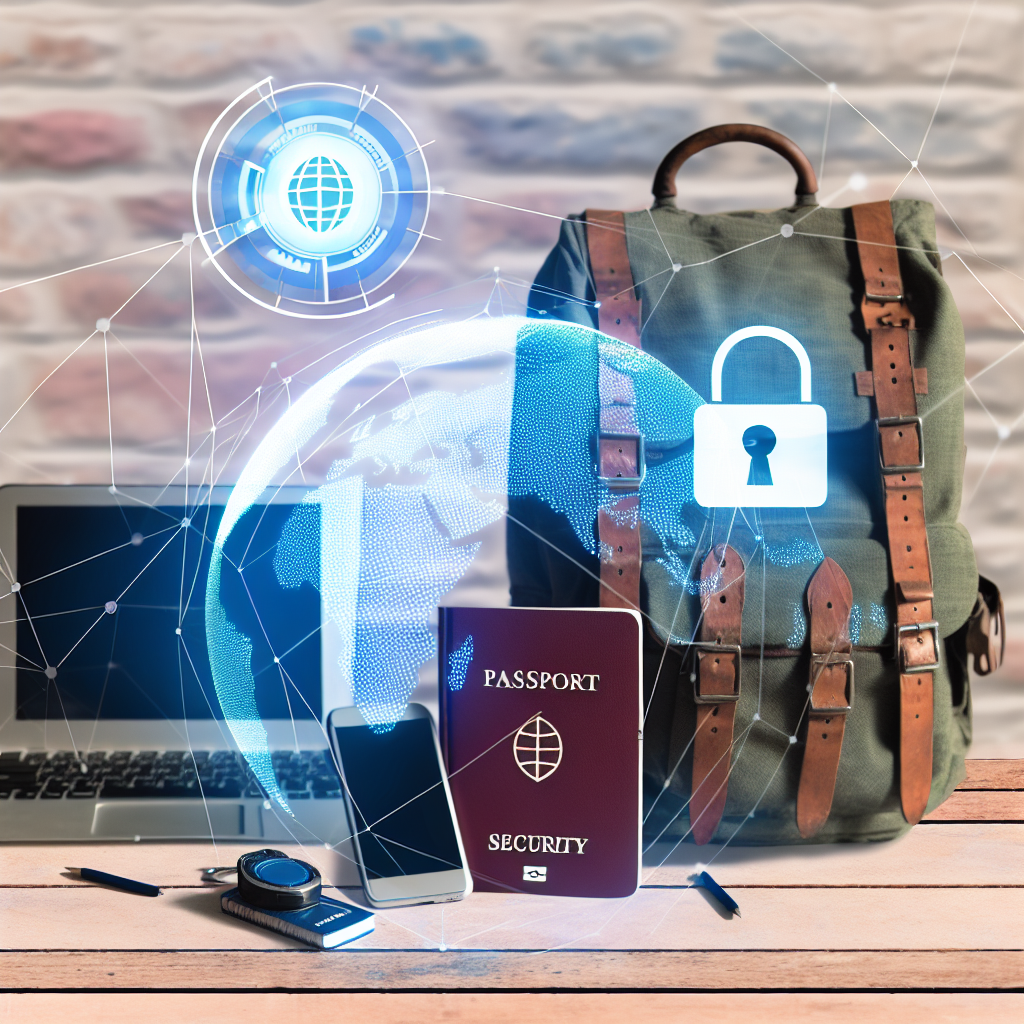
Cybersecurity for Digital Nomads: Protecting Your Life Online
Being a digital nomad is amazing. You get to work from anywhere! But traveling the world while working online also comes with risks. Cybersecurity is super important. You need to protect your data, your money, and your identity.
This guide will give you simple tips to stay safe online as a digital nomad. We’ll cover everything from securing your devices to using public Wi-Fi safely.
Securing Your Devices
Use Strong Passwords
Weak passwords are easy to crack. Use strong, unique passwords for all your accounts. A strong password has:
- At least 12 characters
- A mix of uppercase and lowercase letters
- Numbers
- Symbols
Don’t use the same password for multiple accounts. If one account gets hacked, all your accounts are at risk.
Use a Password Manager
Remembering many strong passwords is tough. A password manager can help. It stores your passwords securely and generates new ones.
Popular password managers include:
- LastPass
- 1Password
- Dashlane
Enable Two-Factor Authentication (2FA)
Two-factor authentication adds an extra layer of security. It requires a second verification method in addition to your password. This could be a code sent to your phone or an authenticator app.
Enable 2FA on all accounts that offer it, especially your email, bank, and social media.
Keep Your Software Updated
Software updates often include security patches. These patches fix vulnerabilities that hackers can exploit. Install updates for your operating system, browser, and apps as soon as they are available.
Enable automatic updates whenever possible.
Install Antivirus Software
Antivirus software protects your devices from malware. Malware includes viruses, spyware, and ransomware. Choose a reputable antivirus program and keep it updated.
Some popular options include:
- Norton
- McAfee
- Bitdefender
Encrypt Your Devices
Encryption scrambles your data, making it unreadable to unauthorized users. Encrypt your laptop and smartphone to protect your data if they are lost or stolen.
Most operating systems have built-in encryption tools. For example, Windows has BitLocker, and macOS has FileVault.
Staying Safe on Public Wi-Fi
Use a Virtual Private Network (VPN)
Public Wi-Fi is often unsecured. Hackers can intercept your data while you are using it. A VPN creates a secure, encrypted connection between your device and the internet.
A VPN hides your IP address and protects your data from eavesdropping. Always use a VPN when connecting to public Wi-Fi.
Avoid Sensitive Transactions on Public Wi-Fi
Even with a VPN, avoid sensitive transactions on public Wi-Fi. This includes online banking, shopping, and entering passwords. Wait until you are on a secure network to perform these activities.
Check the Network Name
Hackers sometimes create fake Wi-Fi networks that look legitimate. Before connecting to a public Wi-Fi network, confirm the network name with the venue staff.
Disable Automatic Wi-Fi Connection
Disable automatic Wi-Fi connection on your devices. This prevents your device from automatically connecting to unsecured networks.
Protecting Your Data and Identity
Be Careful What You Share Online
Don’t overshare personal information on social media. Avoid posting your address, phone number, or travel plans. This information can be used for identity theft or scams.
Beware of Phishing Scams
Phishing scams are emails or messages that try to trick you into giving up your personal information. Be wary of emails that ask for your password, credit card number, or other sensitive data. Never click on links from suspicious emails.
Use a Secure Email Provider
Choose an email provider that offers strong security features, such as encryption and two-factor authentication. Some popular secure email providers include:
- ProtonMail
- Tutanota
Back Up Your Data Regularly
Back up your data regularly in case your device is lost, stolen, or damaged. You can back up your data to an external hard drive or to a cloud storage service.
Monitor Your Bank Accounts and Credit Reports
Monitor your bank accounts and credit reports regularly for suspicious activity. Report any unauthorized transactions immediately.
Staying Updated on Cybersecurity Threats
Read Cybersecurity Blogs and News
Stay informed about the latest cybersecurity threats and trends. Read cybersecurity blogs, news articles, and security alerts. This will help you stay one step ahead of the hackers.
Follow Cybersecurity Experts on Social Media
Follow cybersecurity experts on social media to get real-time updates and advice.
Conclusion: Your Digital Nomad Security Checklist
Staying safe online as a digital nomad requires a proactive approach. By following these tips, you can minimize your risk of being hacked or scammed. Remember to use strong passwords, use a VPN on public Wi-Fi, and be careful what you share online. Prioritize your digital safety. For some gadgets that may help you increase your security while on the go, you can check out this security gadgets collection at Mavigadget for innovative and practical options.
“`


